Guest conversions per day
Try up to 3 conversions per day before creating an account.
Extract audio from YouTube videos with up to 96kHz sample rate and 32-bit depth. Fast, reliable conversion with five free conversions every 3 days for verified accounts.
Guests get 3 conversions per day. Verified accounts get 5 free conversions every 3 days.
youtube-to-wav.online turns a supported YouTube video link into high-quality WAV audio in a few simple steps. The converter uses a clear layout and fast processing, so users move from link to download without confusion. Paste the URL, choose WAV, and the tool extracts the sound at a high bitrate (up to 1536 Kbps) for strong, clean audio.
Music fans, podcasters, and content creators use youtubetowav.online when they need reliable sound for editing, mixing, or archiving. YouTube hosts most modern songs, lectures, tutorials, and talks, yet direct audio saving often sits behind a paywall. youtube-to-wav.online provides a clear, trustworthy solution that converts those videos into standalone audio files. The focus stays on quality and smooth performance, not on pop-ups and confusion.
Once the audio leaves YouTube and turns into WAV, it plays without buffering, without sudden quality drops, and without the need to stay online. Users keep tracks for study folders, sample libraries, podcast edits, or simple offline listening on the go. For anyone who wants a quick route from YouTube link to high-fidelity WAV, youtube-to-wav.online gives a straightforward, no-nonsense answer.
Extract high-quality audio with free 3-day account credits and optional credit packs
Extract YouTube audio up to 96kHz/32-bit WAV format for best quality
Quick YouTube to WAV conversion without quality loss
Secure YouTube to WAV conversion with automatic file deletion
Convert one supported YouTube video URL to WAV per request
Converted files are automatically deleted from the server after 20 minutes
Verified accounts receive 5 free conversions every 3 days
Extract audio from YouTube videos in four simple steps
Copy your YouTube video link and paste it into the converter
Select your preferred WAV audio quality settings
Click convert to extract audio from YouTube video
Download your converted WAV audio file from YouTube
Music producers, podcasters, and creators use our YouTube to WAV converter
Convert YouTube videos to WAV for remixing, sampling, and music production
Extract audio from YouTube interviews and discussions for podcast editing
Download YouTube audio as WAV for background music and sound effects
Convert YouTube lectures and tutorials to WAV for offline learning
Extract YouTube audio to WAV format for mastering and analysis
Convert YouTube music to WAV for DJ sets and live performances
Start with 5 free conversions every 3 days, then add credits whenever you need them
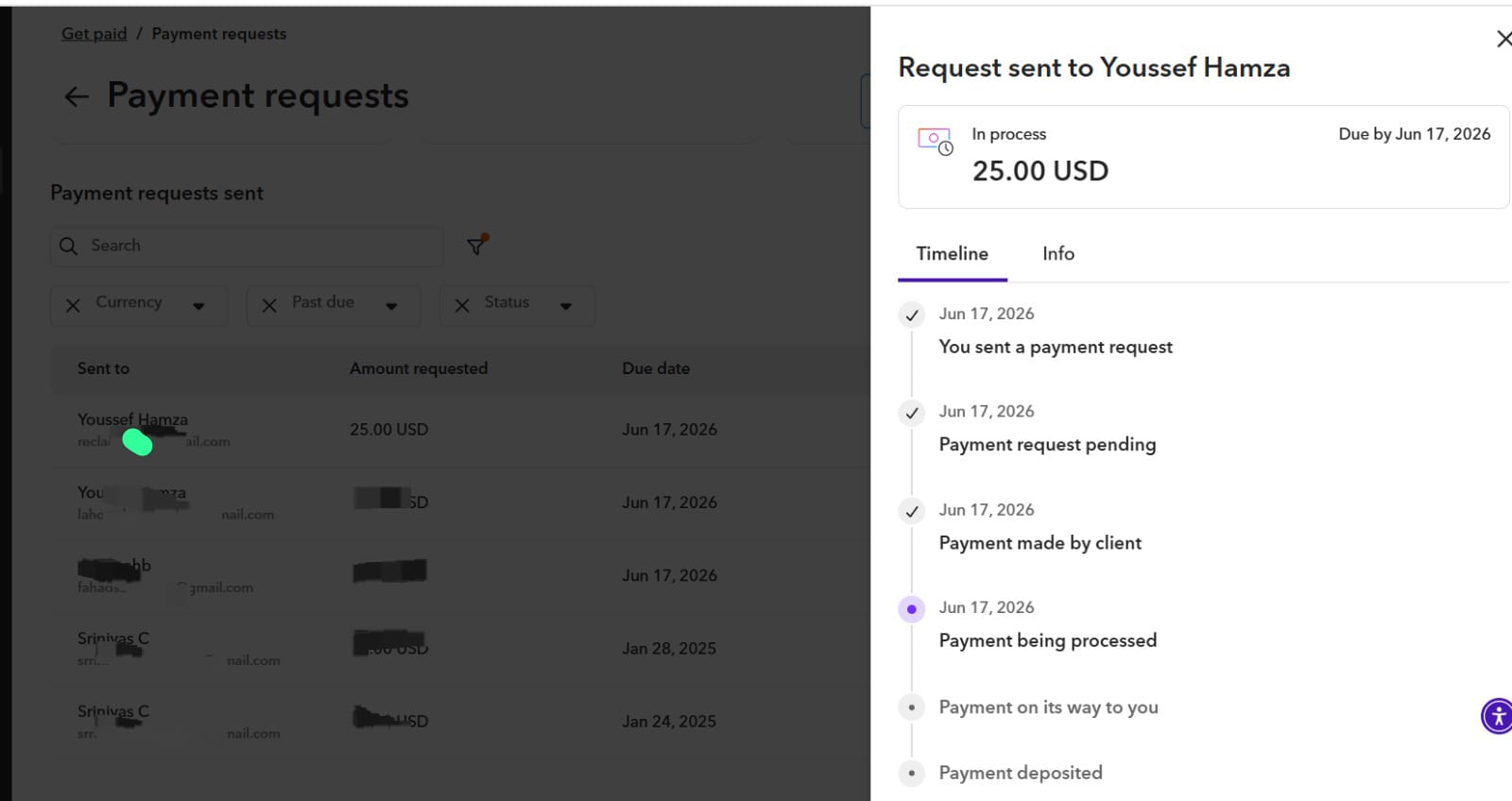
No subscription and no automatic billing. Choose a one-time credit pack and pay by bank transfer.
Try up to 3 conversions per day before creating an account.
Verified accounts receive 5 conversions, resetting every 3-day window.
Your approved credits remain in your account until you use them.
A practical top-up for occasional downloads and personal projects.
Built for regular creators, editors, podcasters, and production work.
A larger credit balance for frequent, high-volume conversion work.
Free-use limits are enforced across account, browser, device, network, and session signals to protect service capacity.
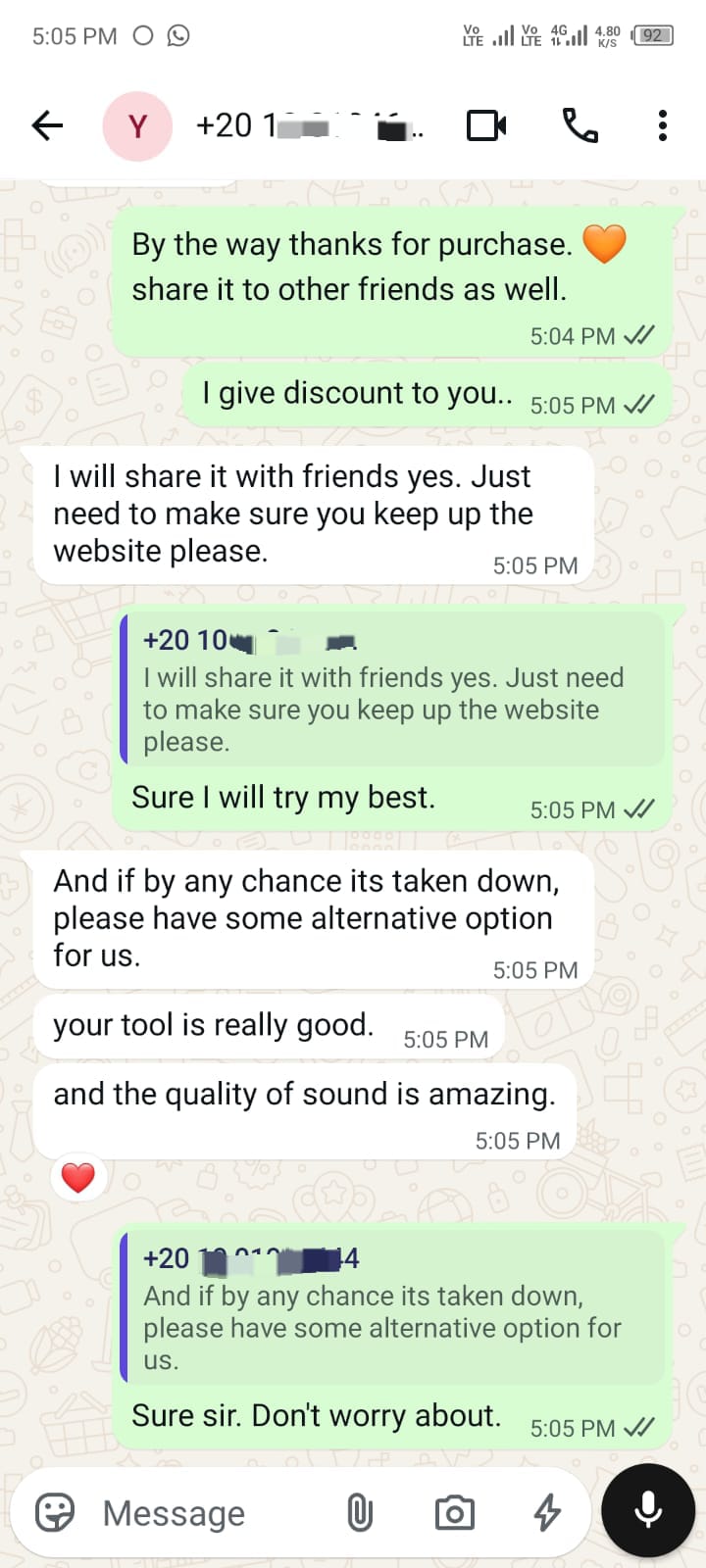
After using the converter, this customer shared that the tool is really good and the quality of sound is amazing.
"Your tool is really good, and the quality of sound is amazing."
Everything you need to know about YouTube to WAV conversion
WAV (Waveform Audio File Format) is an uncompressed audio format that preserves the original quality of the sound. Unlike MP3 or other compressed formats, WAV files maintain every detail of the audio, making them perfect for professional music production, audio editing, and archival purposes. When you convert YouTube videos to WAV, you get the highest quality audio available from the source.
Converting YouTube videos for personal, non-commercial use is generally acceptable, but you should always respect copyright laws and YouTube's Terms of Service. Only convert content that you have permission to use or that is in the public domain. For copyrighted content, make sure you have the rights holder's permission or use it under fair use guidelines for educational or commentary purposes.
The quality settings depend on your intended use:
Note that the output quality is limited by the source quality on YouTube. Even with highest settings, you can't exceed the original audio quality of the video.
Conversion time depends on several factors including the video length, chosen quality settings, and server load. Typically:
Each request handles one video URL, and fair-use request limits are applied to keep the service stable for all users.
WAV files are larger because they store audio in an uncompressed format, preserving every bit of audio information. A typical comparison:
The larger size is the trade-off for perfect audio quality. If you need smaller files, consider converting to FLAC, which offers lossless compression.
No. The converter currently handles one YouTube video URL per conversion request.
Fair-use request limits are applied to keep the service stable for all users.
Converted files are handled as temporary downloads:
See the Privacy Policy for account, log, cookie, advertising, and data request details.
If a conversion fails, here are common solutions:
If problems persist, contact our support team with the video URL and error message for assistance.
Commercial use depends on the copyright status of the original content:
Our service is a tool for conversion; you are responsible for ensuring you have the legal rights to use the content you convert. Always verify licensing before commercial use.
Our support team is here to help you with any inquiries
Please confirm you're human to start your YouTube to WAV conversion.
Powered by Google reCAPTCHA
Bank details are shown only inside this signed-in checkout. Your credits are added after the transfer is reviewed.
Your reference is . Credits will appear in your account after manual approval.
Enjoy your free 5 bonus credits. Thank you for being part of WAVConverter PRO.
Invite a real friend with your referral link. When they register through it, they receive 2 bonus credits and you receive 2 bonus credits.
Do not refer your own other account. Self-referral abuse is restricted, and by registering you are bound by our Terms of Service.
Your account is restricted until the owner reviews it.
We sent a 6-digit code to your email. It expires in 10 minutes.